
Diwali · 8 November
Happy Diwali. May the festive rush stay with you all year.
Diwali week brings shoppers, families and visiting relatives into cafes, hotels and restaurants, and most of them leave without a trace. A branded WiFi login turns that rush into verified phone numbers you own, ready for your next offer.
Shubh Deepavali from all of us at Wyfy Guest.
Wyfy Guest: Guest WiFi and Network Management
With Wyfy Guest, one team sets up your internet lines, router and access points. Guests sign in on your own page, and you see who came.
- Set up by our team
- Keep your router if it's compatible
- Plans that grow with your locations
- ISO/IEC 27001:2022 certified
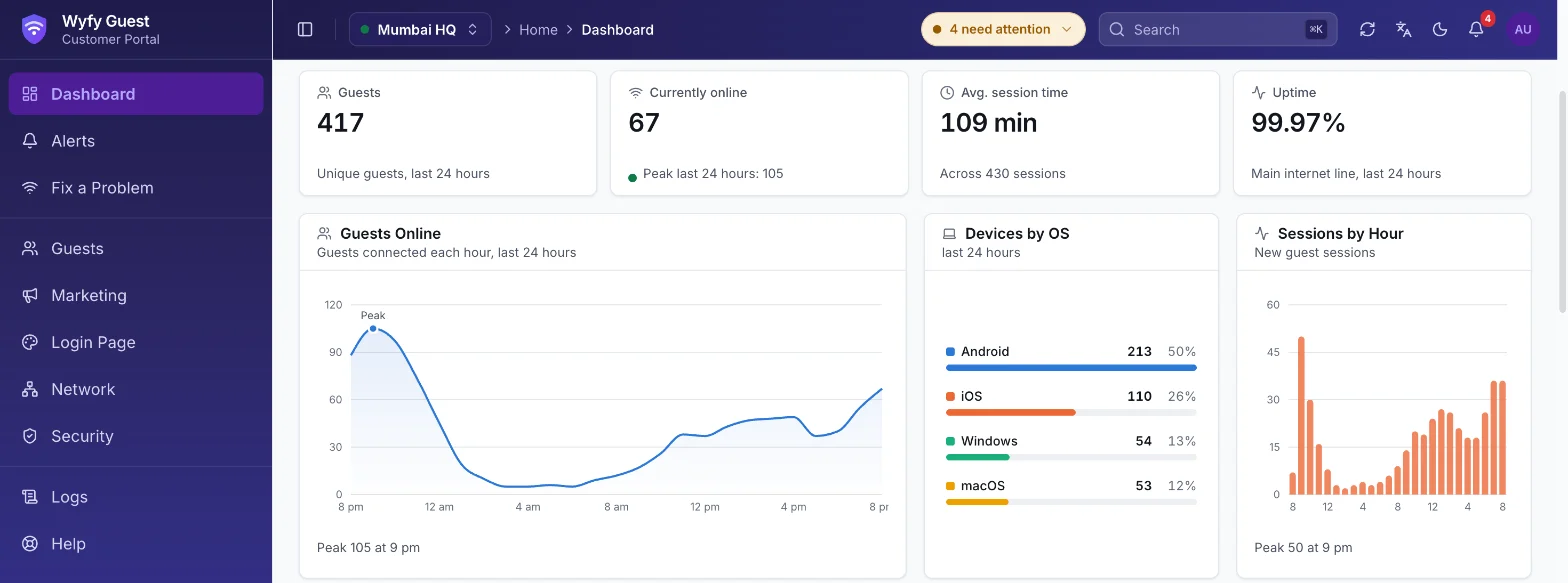
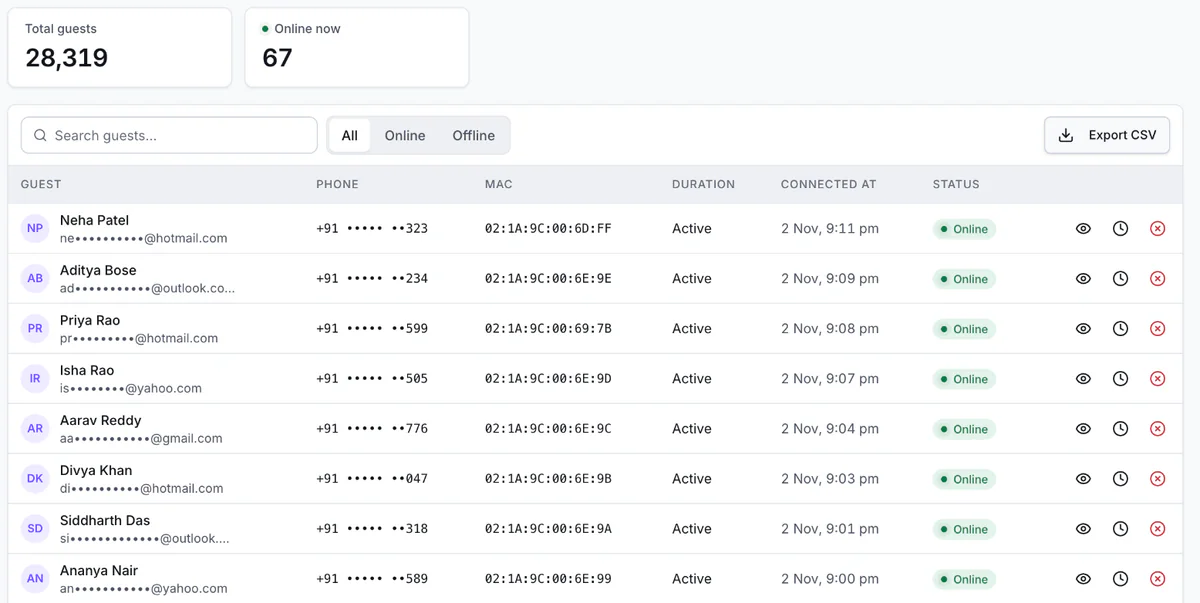
A real screen from the Wyfy Guest dashboard. The venue and the figures are our demo account's, not a customer's.
- SMS OTP
- WhatsApp OTP
- Email OTP
- Voucher
Trusted by businesses across India








From your internet line to your customer list, end to end
One team sets it all up, and you run it from one dashboard, instead of calling a different person for each part.
Backup ready
Internet lines
We connect your ISP lines. Two lines can share traffic, and the backup takes over by itself.
Rules applied
Router
We set up speed and device limits, firewall rules and network zones for each location.
Access points online
Access points
We link every access point to your dashboard. See which is up or down, and get an alert if one goes down.
OTP verified
Guest login
Guests sign in with an OTP on your own page. TVs and printers can skip it through Trusted Devices.
Guest added
Customer management
Every login reaches your dashboard, so you see who came and when, and can invite them back.
Set up by our team
Run by you from one dashboard
What your guest sees on their phone
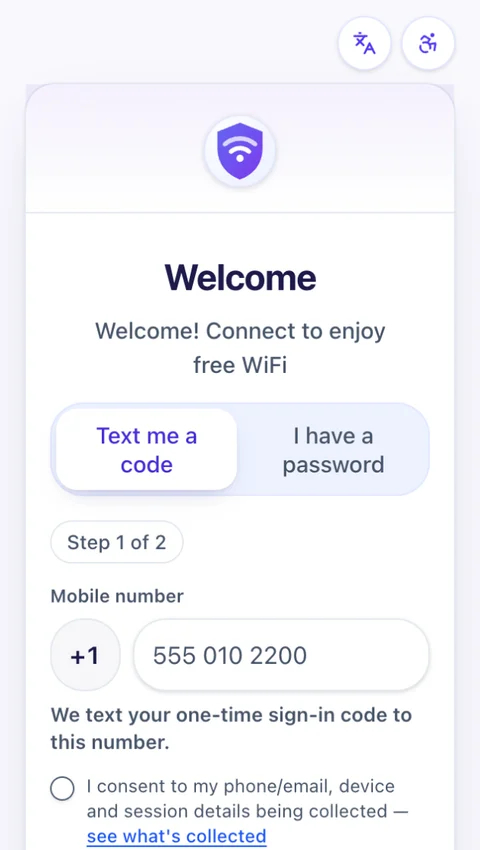
They join and your page opens
Your name and logo on the captive portal, the login page a guest sees when they join the WiFi, not the router's page. They enter a mobile number.
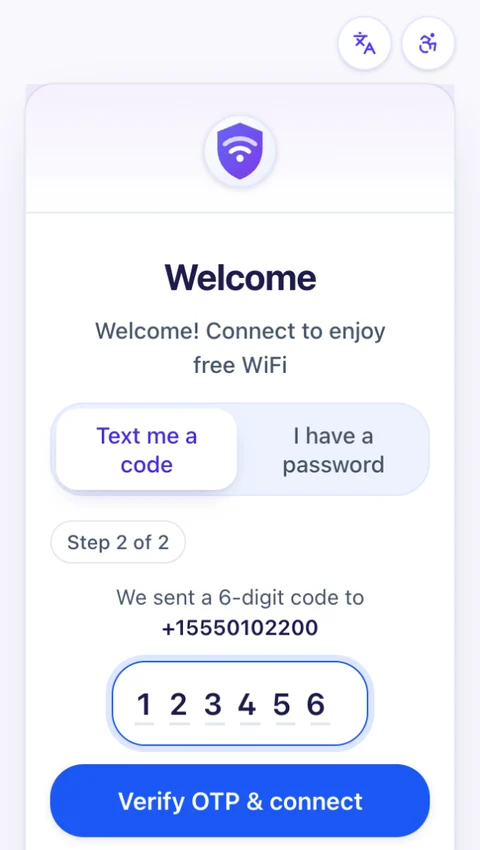
They enter one code
A one-time password (OTP) by SMS, WhatsApp or email. A voucher from your desk also works. No app to install.
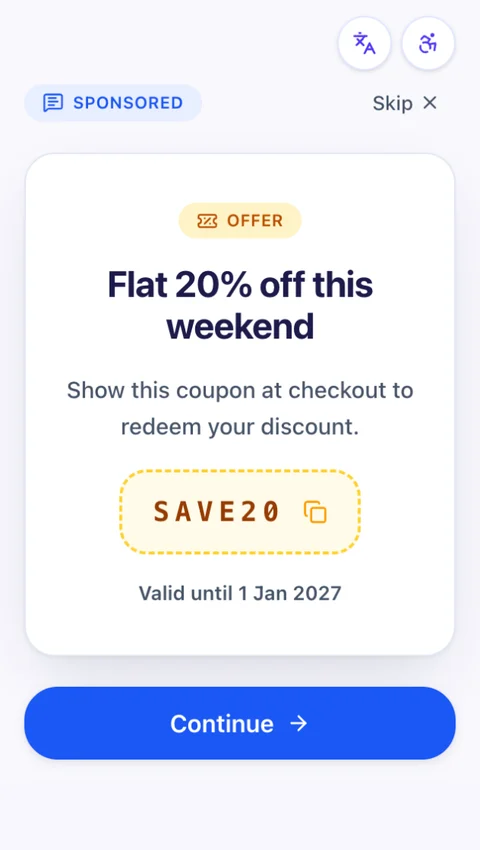
You can show an offer
A coupon, a banner or a short survey, if you turn it on. Guests can skip it.
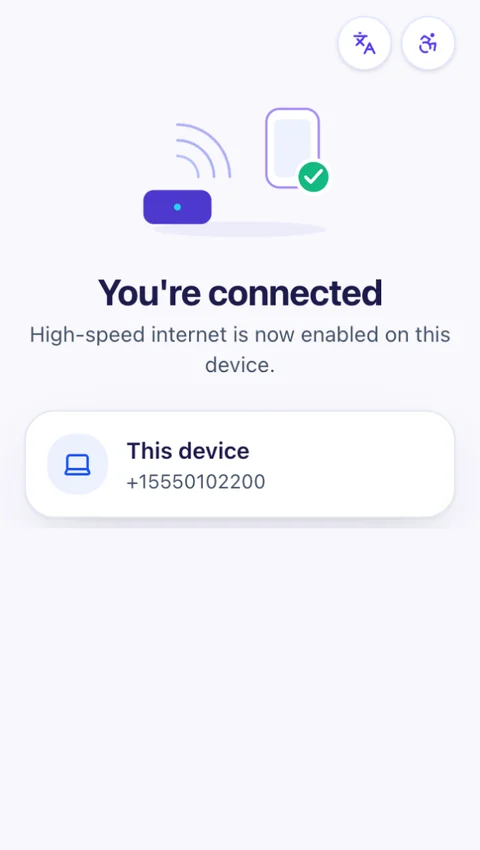
They're online
The guest is connected, under the speed and device limits you set.
See who is on your WiFi, right now
Every login appears in your dashboard, with the guest's time online and status.
- Who is online, and for how long
- Numbers and emails masked by default
- Export the guest list as a CSV
See all featuresWhat is a captive portal?What is guest WiFi?
A guest WiFi solution for businesses that give WiFi every day
Hotels & PGs
An OTP login or a voucher from the front desk, with a session long enough for the stay.
Cafes & restaurants
A quick OTP login, a fair speed for each customer, and your own customer list.
Co-working spaces
Members and day visitors in separate groups, each with their own limits.
Colleges & universities
WiFi hours set per location, and groups for students, staff and visitors.
Also built for:Gyms & fitnessSalons & spasRetail & mallsBanks & service branchesGated communitiesHospitals & clinicsEvents & bulk accessFood courtsOfficesSmall businesses
Run an ISP?
Subscribers, plans, PPPoE and hotspot logins, GST billing and logs, in one console for every customer you serve.
Your demo is with the people building Wyfy Guest
No script and no sales queue. Sarvesh or Mohit will walk you through the login page and dashboard on a real router, check the router you already have, and quote your venue on the call.
Book a Demo

See the login on a real router.
Book a free demo and we'll run the guest login, a live switch to backup and the dashboard on a real router. Not ready to book? Take the feature tour first.